MF / 05.03
Children & Family Spaces
Children's Check-In: A Process, Not a Product
The five jobs a check-in system must do: identify, match, inform, locate, and release, and how to do them faithfully with a clipboard or with software.
Ask a church how its children's check-in works and you will usually hear the name of a system: a piece of software, a label printer, a kiosk by the door. Ask what the check-in is for and the room often goes quiet. That silence is worth fixing, because check-in is not a product. It is a process with five specific jobs, and a congregation that understands the jobs can do them faithfully with a clipboard and a roll of stickers, or evaluate any tool on the market by asking whether it actually does them.
This article is about the jobs. We will not recommend products; that is not what this publication does, and honestly, the paper version described below has run beautifully in small churches for generations.
The Five Jobs
Every real check-in system, however humble or fancy, must do five things:
- Identify: record which children are in the building, in which rooms, right now.
- Match: bind each child to the adult authorized to retrieve them, in a way a volunteer can verify.
- Inform: put allergies, medical notes, and special instructions in front of the people caring for the child.
- Locate: let the room reach a parent quickly during the service.
- Release: return each child only to the matched adult, the same way every week, no exceptions for familiarity.
If a system does these five things reliably on your busiest Sunday, it is a good system. If it does not, no feature list redeems it.
The Matching Tag
The heart of the process is the match. The classic form is a two-part tag with the same code on both halves: one half goes on the child, the other into the hand of the dropping-off adult. At pickup, the halves are compared. Handwritten numbers on masking tape do this; pre-printed carnival tickets do it; software-printed labels do it. The mechanism matters less than three disciplines around it.
First, the code must be checked, not waved at. The failure mode of every check-in system is the volunteer who knows the family and skips the comparison, which trains everyone that the tags are theater. The comparison is quickest and least awkward precisely when it is universal: "we check everyone's tag" offends no one.
Second, the tag on the child should not display the child's name to strangers at a distance. First name and code are plenty for the room's purposes; a hallway should not teach a stranger how to call a child by name.
Third, lost tags need a defined path, decided in calm: typically, release only to the adult who checked the child in, verified against the roster and, if needed, photo identification. Write the path down so the eighteen-year-old volunteer holding the situation at noon is following policy, not improvising under pressure.
The Roster and the Notes
The identification job is a roster: every child's name, room, arrival time, and the name of the adult who brought them. On paper, this is a clipboard sheet per room with columns; in software, it is the same sheet wearing a screen. Either way, the roster earns its keep twice: during the hour, when a parent must be found or a room evacuated, and afterward, as the record that attendance and staffing decisions are built on.
Allergy and medical notes deserve their own discipline. The information must travel to the volunteer in the room, not rest in a binder in the office. A colored dot on the child's tag plus a note on the room roster is the paper solution; the principle is that whoever hands out the snack can see the warning without leaving the room. Ask families to renew this information every year rather than assuming last September's note still holds.
Locating a parent mid-service is the job congregations most often leave to chance. Small churches can simply send a runner. Larger rooms use a discreet code on a screen or a text message. Choose one method, tell parents at drop-off what it is, and test it on an ordinary Sunday rather than discovering on a hard one that nobody knows how the parents are summoned.
The Desk, the Door, and the Flow
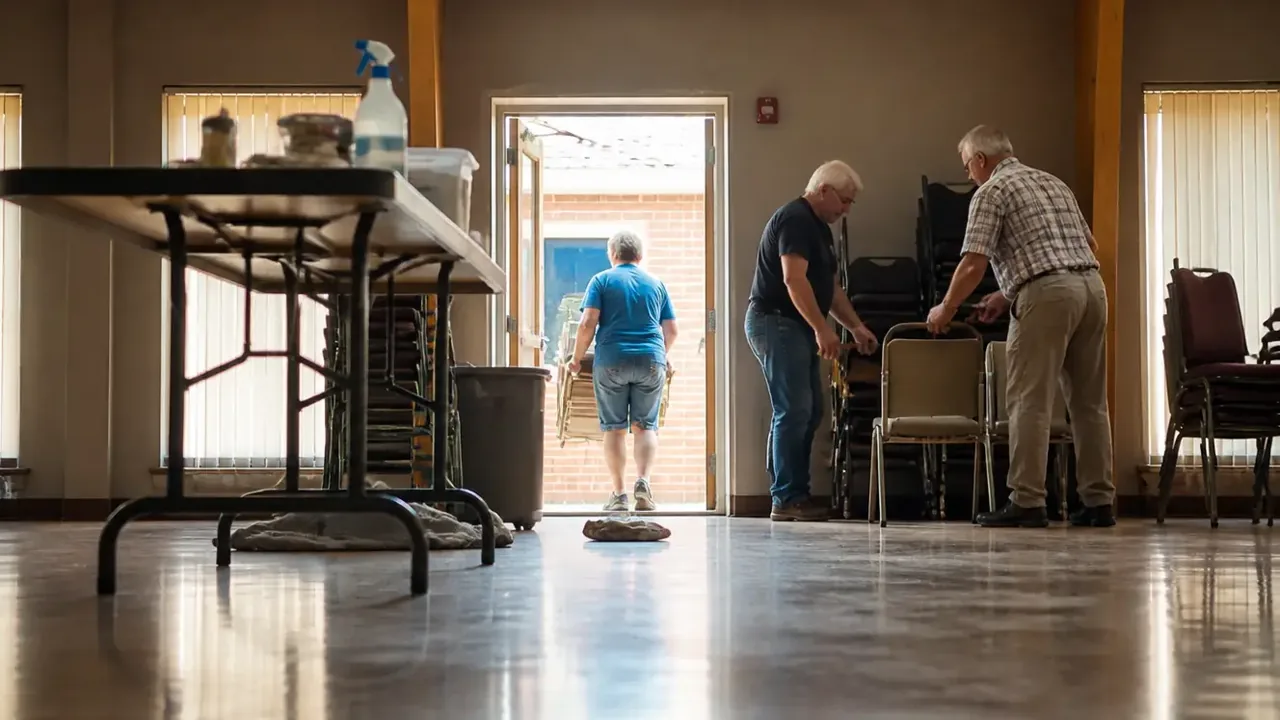
Check-in is also a piece of building choreography, and your floor plan will help or fight you. A few patterns hold across buildings of every age:
- One front door for the children's area. A single, obvious check-in point can actually be governed; three casual entrances cannot. If your children's wing leaks entrances, close some doors on Sunday morning and let signage carry families to the right one.
- The desk before the rooms. Families should meet check-in before they reach any classroom door, so no child enters a room unrecorded. A table across a hallway mouth does this fine.
- Room for the line. Ten families with strollers need more space than a card table in a doorway. On the big Sundays, open a second sheet or station rather than letting the line back into the lobby and tempting people past it.
- Pickup is a second event. The end of service is the crowded moment. Slow it down deliberately: children stay in the room, adults present tags at the door, one volunteer releases while another keeps the room. The two-adult rule is never more useful than at this half hour.
A church that gets the flow right discovers that check-in takes less time, not more, because the line moves in one direction and nobody is hunting for a lost sticker in a crowd.
Paper or Software
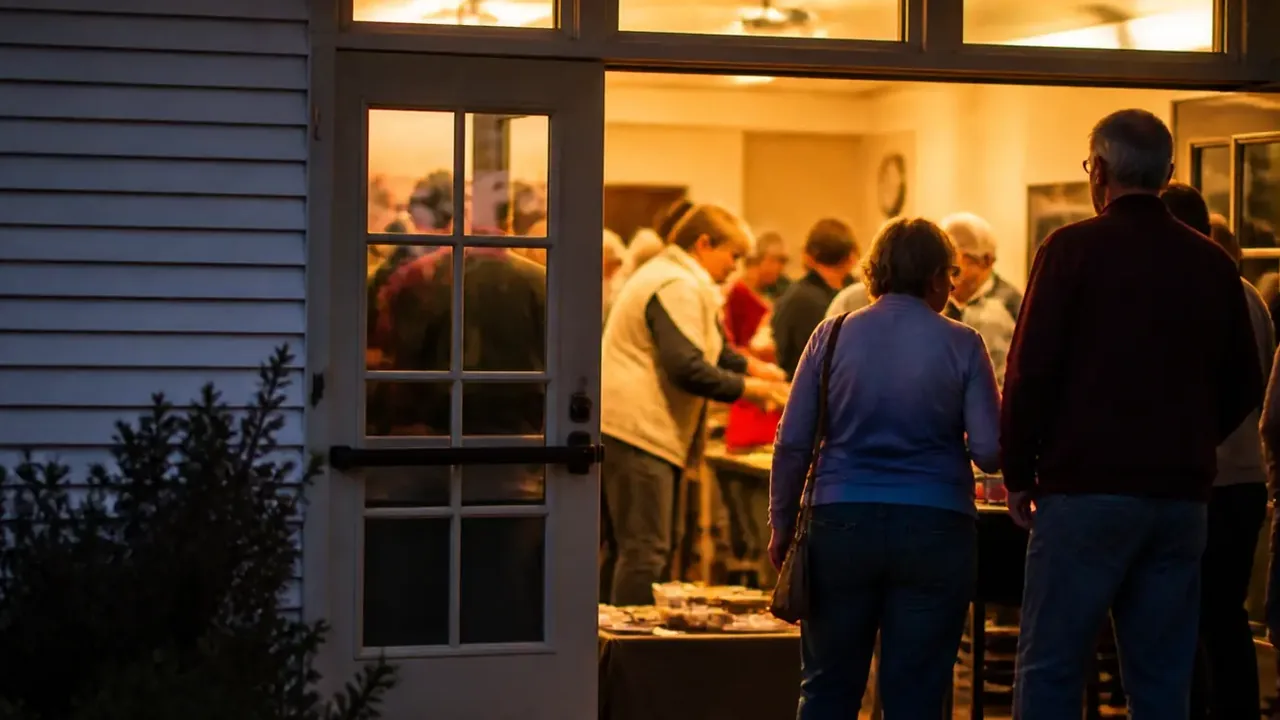
Should a congregation buy software? The honest answer: the process must work on paper first, because paper is what you will be holding when the printer jams on Christmas Eve, the volunteer coordinator is home sick, or the internet is down. A church that can run the five jobs with clipboards can adopt any tool from strength, adding speed and tidier records. A church that cannot will find that software merely automates its confusion.
Signals that software has become worth its cost and learning curve are practical, not fashionable: rosters big enough that handwriting causes real errors; multiple services making reconciliation tedious; a desire for attendance records that feed planning. Signals that paper remains right are just as respectable: one service, a stable roster of families, volunteers who would spend more time fighting a login than greeting a child. Either answer is faithful. What is not faithful is skipping the match or the notes because the tool made them awkward.
Making It Warm
A last word, because process talk can turn a welcome into a checkpoint. Check-in done well is hospitality. The family arriving for the first time, nervous about handing over their toddler, is watching how you do this, and a calm desk, a volunteer who asks about allergies without being prompted, a tag system visibly applied to everyone, tells them more about your church than the sermon will. Train the desk volunteers to learn names, to kneel to greet children, to walk first-timers to the room door rather than pointing. The same system that satisfies your safety policy is, run warmly, the best first impression your children's spaces can make.
Start with the five jobs. Put them on one page. Staff the desk with your friendliest detail-lovers, and review the sheet every autumn before the programming year begins. The product question will answer itself.